Commercial counsel
Negotiation prep
A counterparty thread landed overnight and the call is in an hour. Ask for the latest positions, the current redline, and a draft reply. Approve the send or edit it.
Join the Legal Intelligence Summit, Nov. 3 on Zoom: Honeywell, Capgemini, Hitachi, and more on AI in legal.
RSVP hereAgent Connectors put GC AI to work in the tools you already use: reading your email, files, calendar, and Slack, and taking action in them with your approval.
20+ connectors at launch














Trusted by 2,100+ legal teams














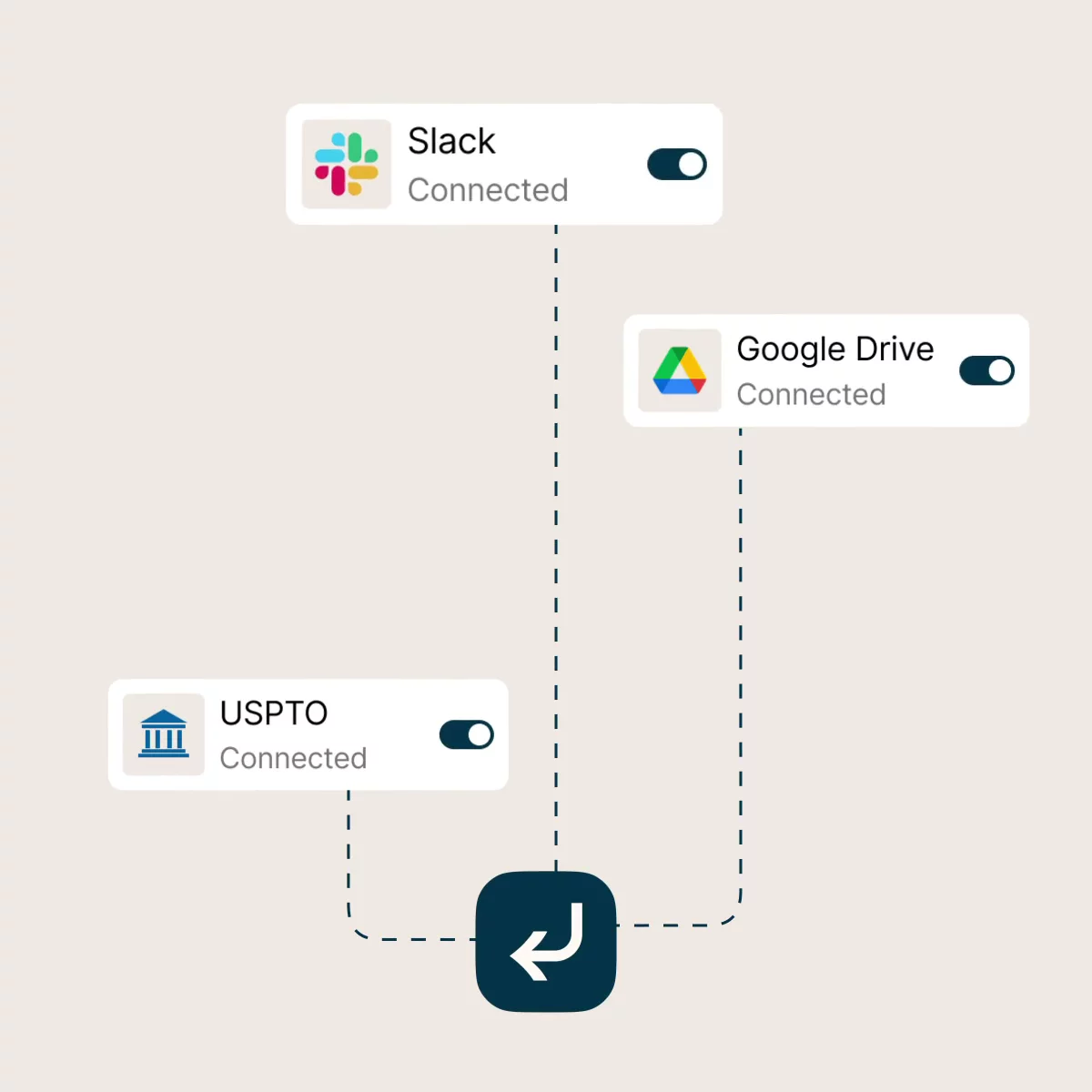
GC AI reads from the apps you connect and acts in them, all in the chat where you already draft and decide.
With 20+ connectors, it plugs directly into your existing tools, bringing live context into every conversation. No switching between apps, exporting threads, or uploading files. You get just the information you need and the ability to complete the task without leaving the chat.
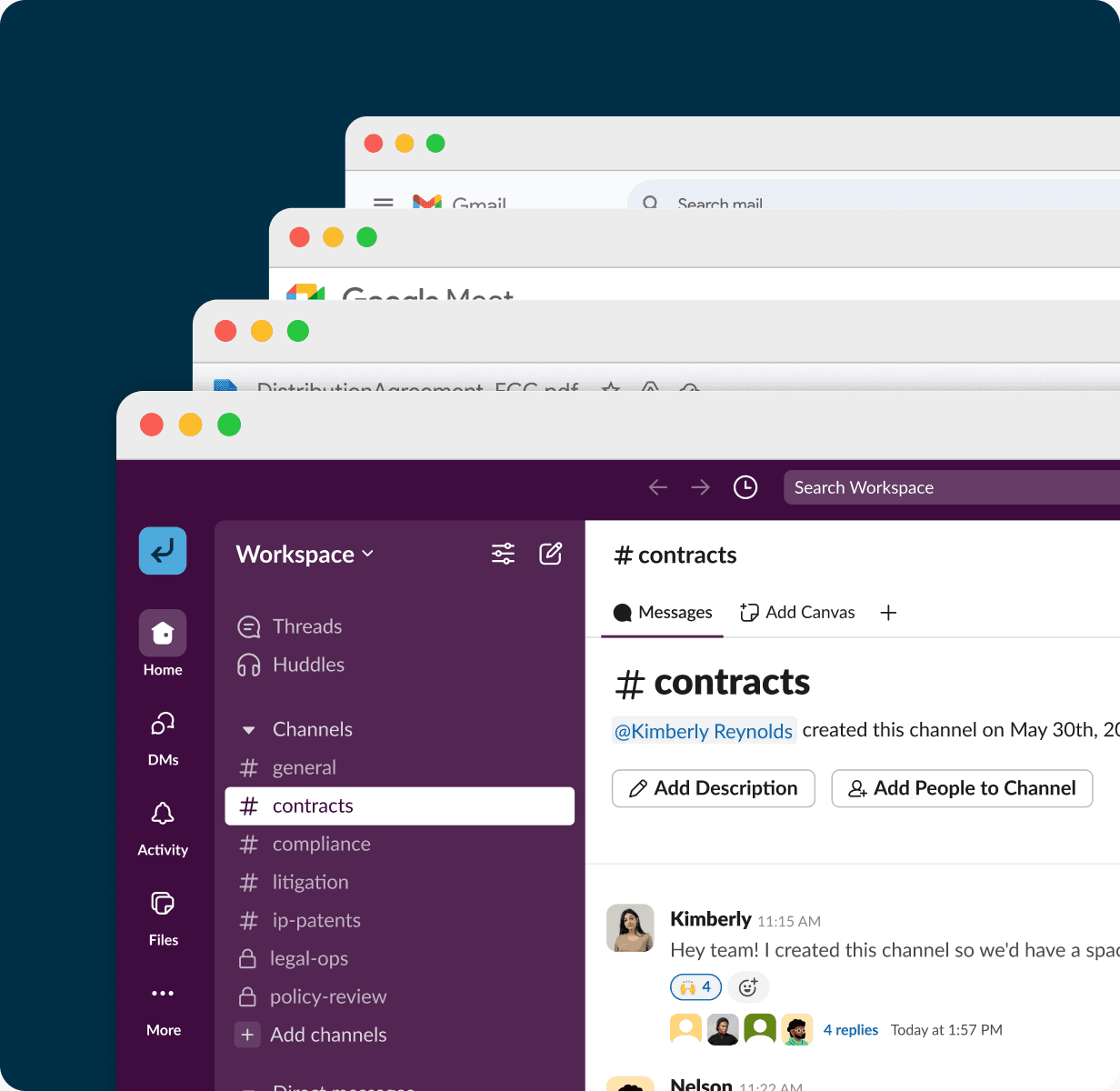


Commercial counsel
A counterparty thread landed overnight and the call is in an hour. Ask for the latest positions, the current redline, and a draft reply. Approve the send or edit it.

Legal Ops
The business asks if the remote-work policy covers contractors in Canada. GC AI finds the current version, summarizes the relevant section, and cites where it lives.


Corporate counsel
Back-to-back customer calls. Ask for a one-page brief with the deal stage, the last email exchange, and notes from the prior meeting.


In-house generalist
Start the week by asking what's urgent: unread email, calendar conflicts, and Slack mentions that need legal input. Approve follow-ups right in the chat.
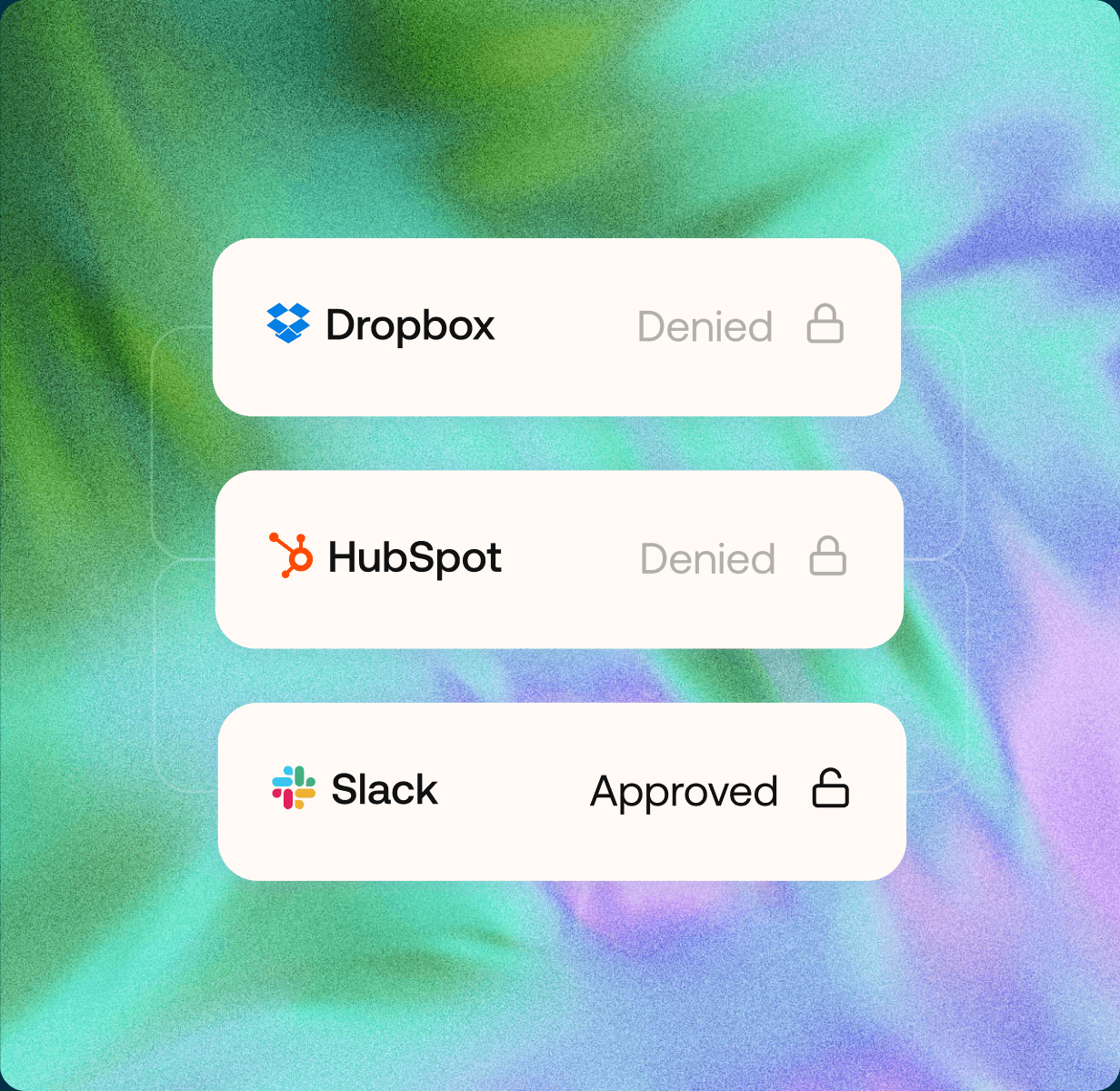
Each person links their own apps in Settings and starts asking, choosing from 20+ connectors.
Whether you're supporting five users or five hundred, the process doesn't change. Scaling your team doesn't require a new project or another software purchase.
Agent Connectors are on by default. Each user connects and manages their own accounts, while admins can disable individual connectors for the organization in Settings → Policies → Connector policies. Admins can see who connected which apps and connector usage, but not the content in those accounts.
Your data is encrypted in transit and at rest, stored securely, and always remains under your control. We never use your content to train AI.
20 of 20 connectors shown
 Legal & IP
Sync contract data and automate legal workflows directly within Agiloft CLM.
 Work Tracking
Link legal tasks and approvals to Asana projects for seamless cross-team tracking.
 Collaboration
Search and reference internal legal wikis and policies stored in Confluence.
 Files & Docs
Access contracts, NDAs, and shared legal documents stored in Dropbox.
 Work Tracking
Review code licenses, compliance docs, and open-source policies from GitHub.
Email & CalendarPull context from email threads and attachments directly into your legal research.
Email & CalendarSchedule review deadlines, hearings, and approval windows from Google Calendar.
 Files & Docs
Draft, review, and redline contracts directly in Google Docs without switching tools.
Files & DocsAccess shared legal folders and team document libraries stored in Google Drive.
 Files & Docs
Import data from trackers, budgets, and matter logs managed in Google Sheets.
Sales & MeetingsCapture meeting notes and action items from legal discussions recorded in Granola.
Sales & MeetingsConnect deal data and customer records from HubSpot to contract workflows.
 Work Tracking
Track legal requests and project progress alongside engineering work in Linear.
Files & DocsBrowse and reference legal files and team sites hosted on Microsoft SharePoint.
 Collaboration
Surface contract questions and legal requests from Microsoft Teams conversations.
CollaborationPull in legal playbooks, policies, and knowledge base pages stored in Notion.
 Files & Docs
Access contracts and legal documents synced through Microsoft OneDrive storage.
Email & CalendarReference email threads, calendar invites, and attachments from Outlook.
CollaborationSurface legal requests and approvals shared across your Slack channels.
 Legal & IP
Search patent filings, trademark records, and IP documentation from USPTO.
 SOC 2Type II Certified
 SOC 3Certified
 GDPRCompliant
Book a Demo and learn how GC AI can help your legal team save time and get more done.
What to expect:
