Customer Snapshot
Company: Snyk Ltd.
Industry: Software (Developer Security Platform)
Use Case: Contract review, marketing and trademark analysis, regulatory research, issue summaries
Result: Time on core legal tasks reduced by half or more; improved quality and consistency across reviews
Functionality: Easy Prompt, saved prompts, dictation, multi-database research
The Challenge: Complexity and Volume at High Speed
Alexis works on high-stakes commercial agreements and marketing initiatives for enterprise customers. Each project demands precision and quick turnaround, often involving regulatory or IP nuances that require fast research. She wanted a way to meet those demands without slowing down or relying on guesswork.
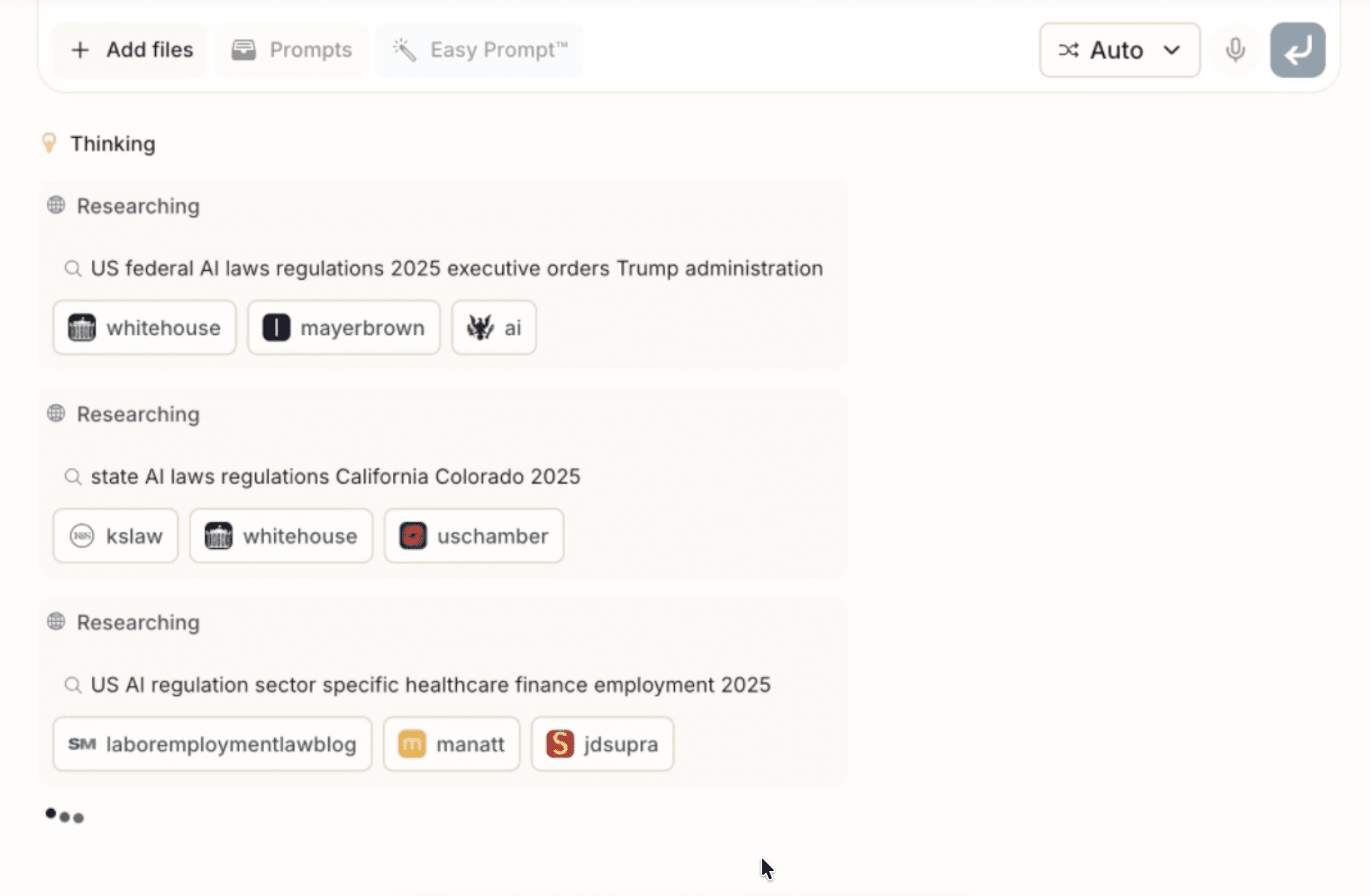
“I’m on the commercial team, mostly working on other party paper with enterprise customers. A lot of times they’ll ask for language tied to regulatory requirements, and I’ll use GC AI to research what those requirements actually are and draft something that works for both sides.”
The Solution: AI Embedded in Every Workflow
GC AI is now part of how Alexis approaches nearly everything she drafts or reviews. She has built prompts for recurring needs such as marketing reviews and trademark searches, using them to spot risks, surface options, and generate clear next steps for business partners.
“Whenever I get marketing material, I have a prompt I run and then tailor it down. And when we’re brainstorming new product names, I’ll run trademark searches across databases all at once, and GC AI will surface risks and suggestions I can share with the team.”
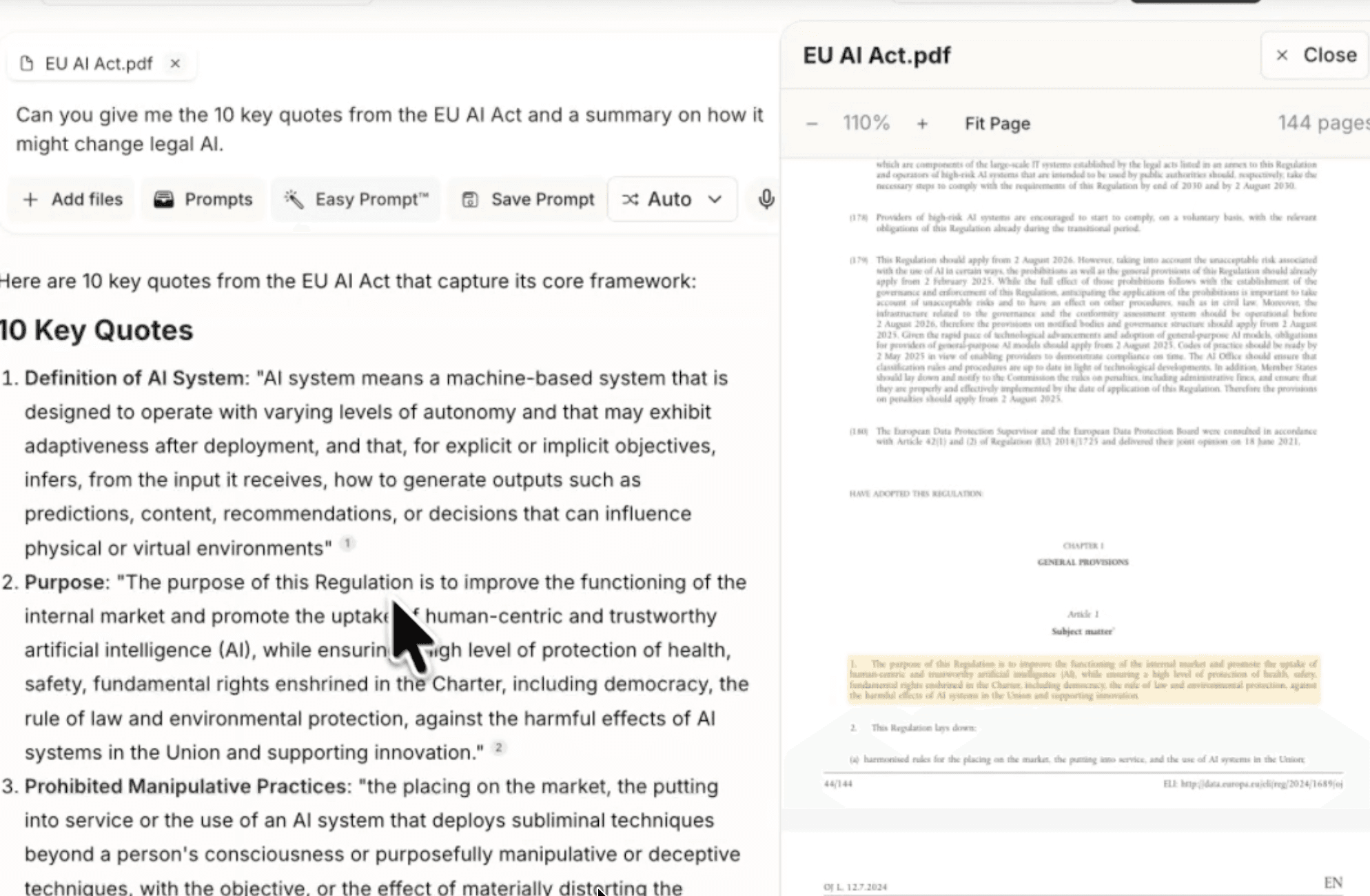
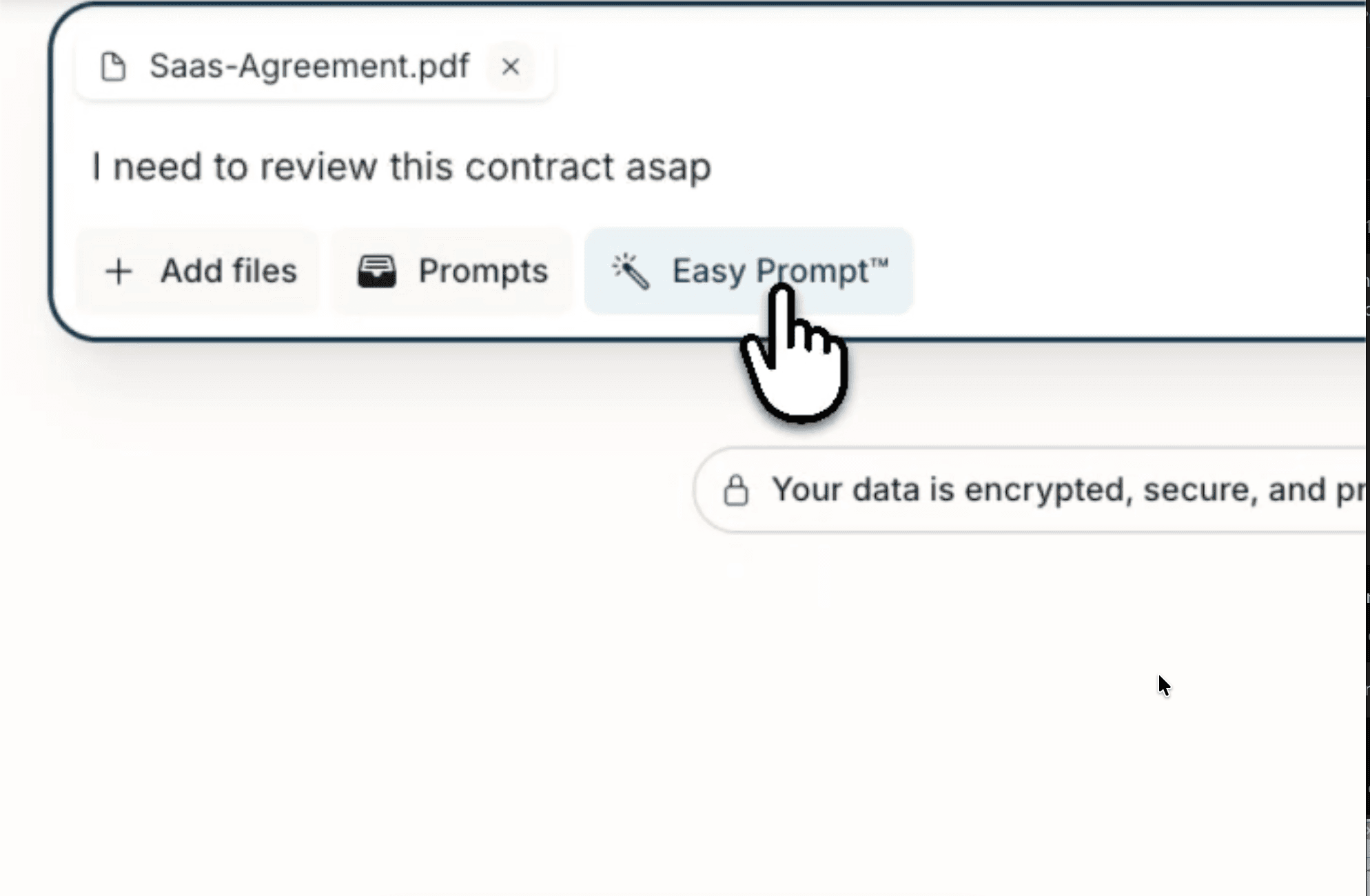
Her favorite feature is Easy Prompt, which turns rough ideas into strong prompts instantly. She also uses dictation for quick inputs and saved prompts so anyone on her team can run consistent reviews.
“I can put a thought-starter into the platform and it gives me a lovely prompt back. With other tools, you need a perfectly polished prompt for it to work well. With GC AI, I don’t.”
The Results: Real Time Savings and Sharper Output
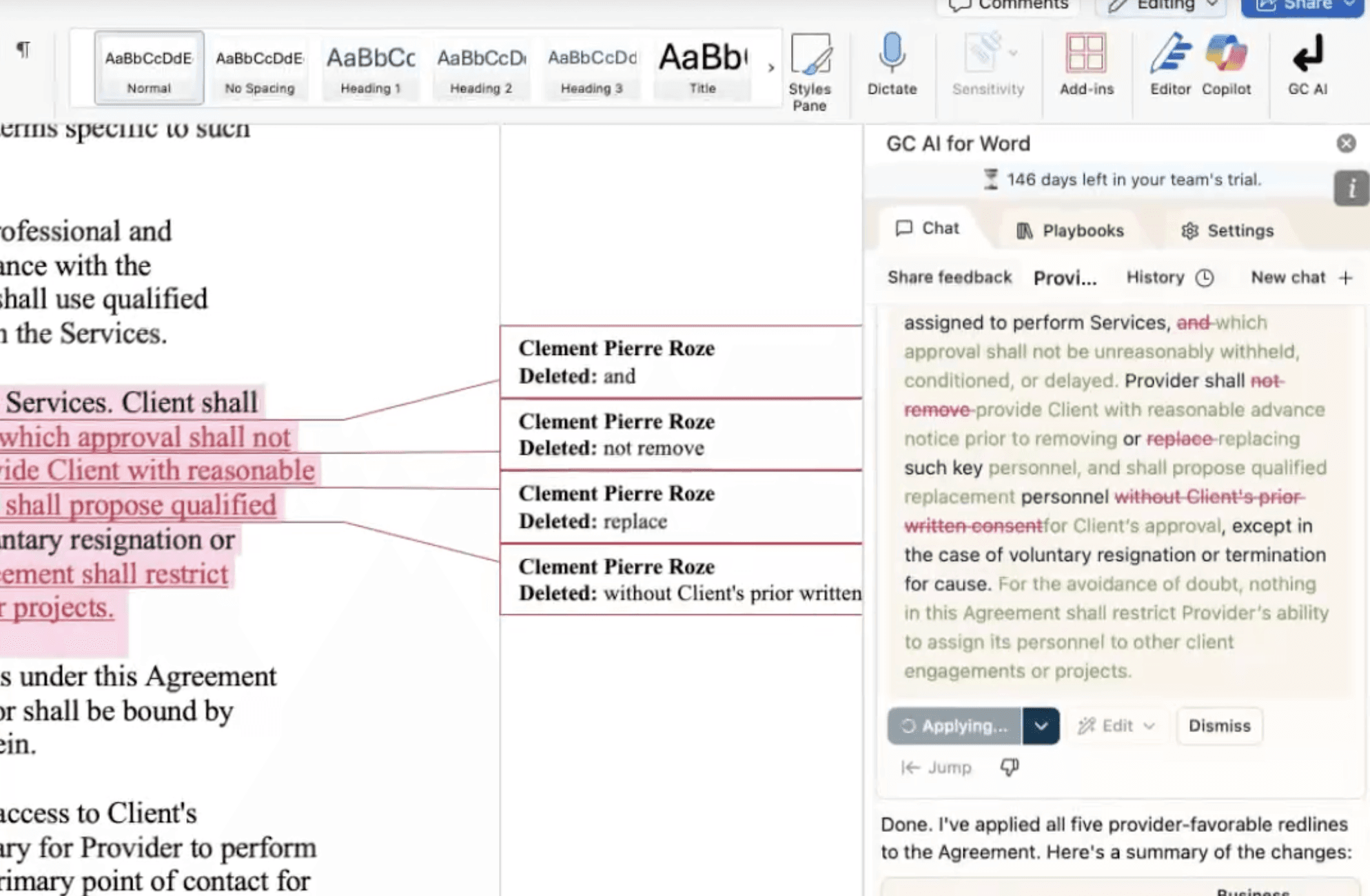
Alexis estimates GC AI cuts time on major tasks by half or more. For example, when reviewing a large enterprise agreement, she used GC AI to extract and summarize scattered termination provisions for the accounting team.
“Normally that would have taken me at least an hour. Instead, I had a list in zero time, and she came back in three minutes saying, ‘This was amazing, how did you do this so fast?’”
She now uses GC AI to check complexity before diving deep, helping her plan and prioritize work.
“I can see whether a trademark issue is going to be thorny or straightforward. GC AI gives me a really nice gut check so I know if I can knock it out in 30 minutes or need to carve out more time.”
The Outcome: Faster, Smarter Legal Work
For Alexis, GC AI has transformed how she practices law. After fifteen years in practice, she says it feels like being handed the puzzle pieces instead of spending hours searching for them. The result is faster, more precise work and better use of her time.
“The way that I practice law has nearly entirely changed since I started using it. I’m much faster, much more efficient, and I can allocate my time better.”
Those time savings compound across recurring tasks like NDAs, issue lists, and summaries. She uses that extra time not to do more of the same, but to focus on the work that matters most.
“I don’t use that time to do more NDAs, I use it for higher-level work or things I find more interesting.”
Alexis encourages other lawyers to start small and experiment. When she first began, she didn’t even know what a prompt was. Now, GC AI is part of her daily routine, a way to clear the busywork and make space for judgment and creativity.
“It doesn’t replace the human element of risk assessment, it just gives me the time to focus on that part.”